
When sending an electronic prescription (eRx), you may see a Transaction Failed error that references an NCPDP ID. This happens when the fax number on file for the patient's preferred pharmacy is missing or invalid. It's usually fixed in under a minute by refreshing the pharmacy on the patient's chart.
The ErrorYou'll see a message similar to this when you try to send the prescription:
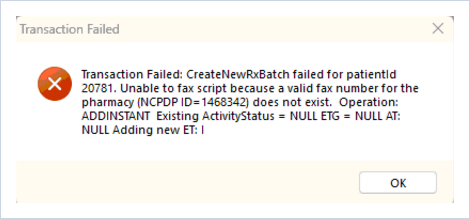
Transaction Failed: CreateNewRxBatch failed for patientId [ID]. Unable to fax script because a valid fax number for the pharmacy (NCPDP ID=[ID]) does not exist.How to Fix It
Refreshing the patient's preferred pharmacy pulls in a current, valid fax number and clears the error.
- Open the patient's chart and go to the Demographics tab.
- Click the magnifying glass icon next to the Preferred Pharmacy field.
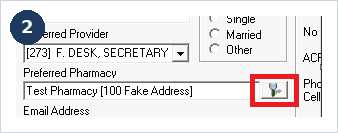
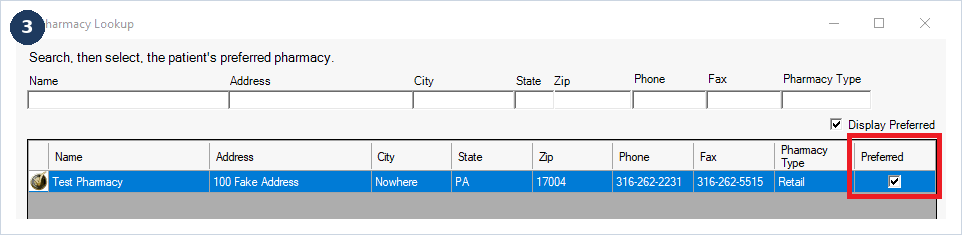
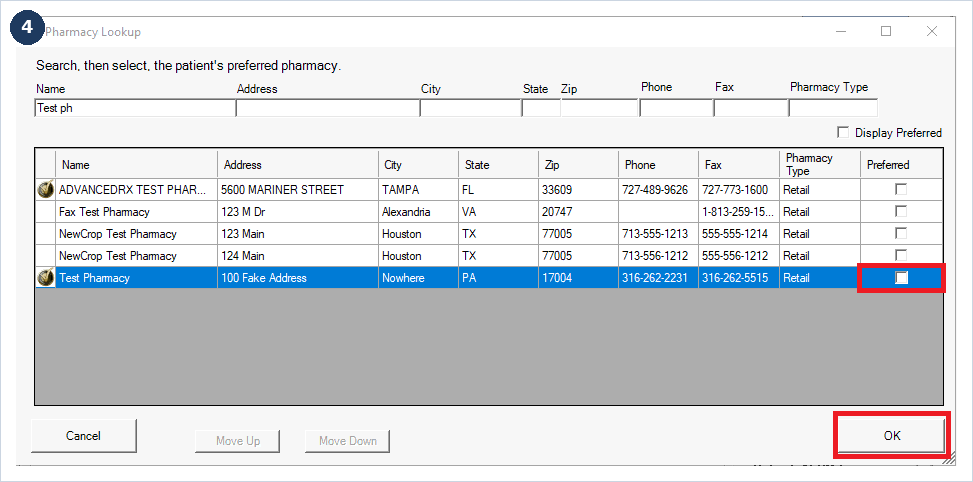
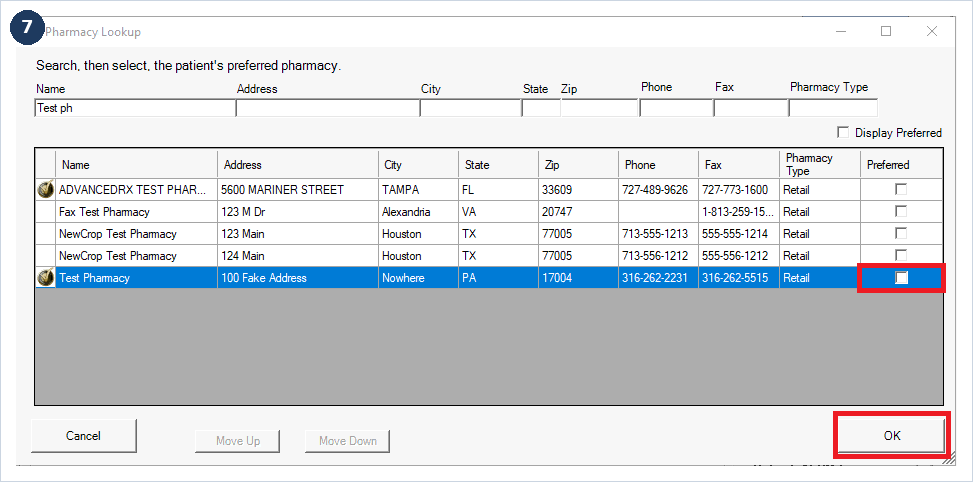
- In the Pharmacy Lookup window, find the pharmacy you're sending to and uncheck it as the preferred pharmacy.
- Click OK.
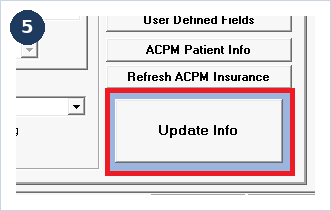
- Click Update Info to save the change.
- Search for that same pharmacy again.
- Check the Preferred box next to the pharmacy and click OK.
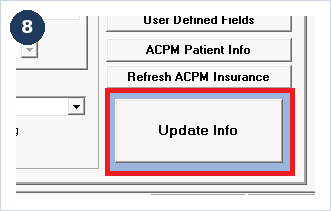
- Click Update Info.
- Prescribe the medication again.
Still Need Help?
If you're still seeing this error after completing these steps, contact Amazing Charts Support:
Phone: 866-382-5932, option 1
Email: techsupport@amazingcharts.com